A full backtesting workflow in Wickform
From an idea on paper to 30 journaled trades and a clear next step. Every stage of a proper backtest, in the order you do it.
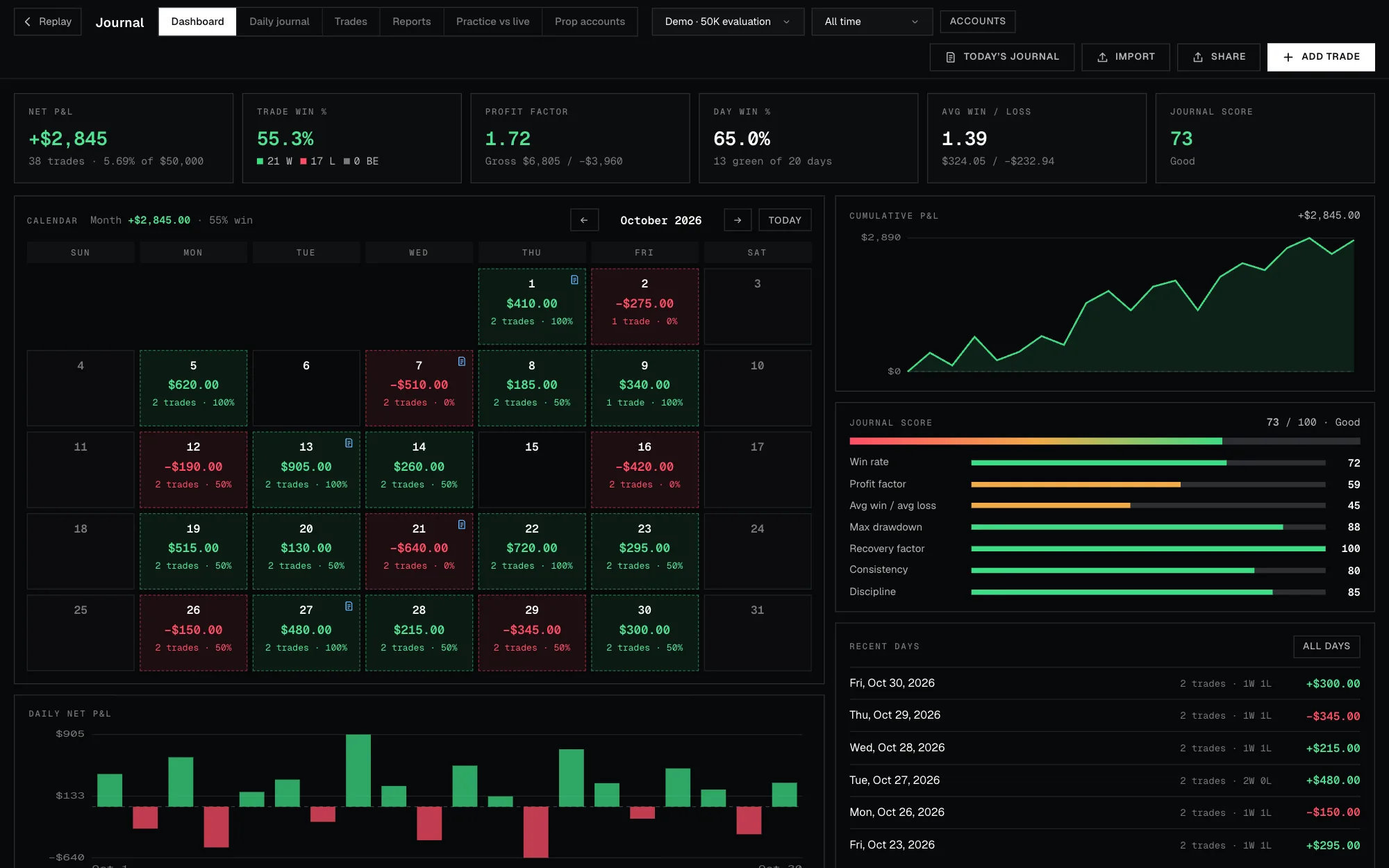
- How to set up a backtest session that matches how you'll trade
- How to replay quickly without peeking at the future
- How to place, manage and journal each trade
- What to look at after 30 trades, and what to do next
01Pick one setup and write it down
Test one setup at a time. If you mix three ideas in one session, the results can't tell you which one works. Write it as a playbook with clear rules first; the previous lesson shows how.
02Create a session
Start a new session and choose:
- The market. Any market you've imported bars for (Settings → Market data), such as MNQ or ES, or the demo market of made-up bars.
- The start date. Pick a date a few months back, so you have plenty of history to replay forward through.
- Balance and costs. Use the balance you'd really trade, and set commission and slippage to match your exchange. Fees change results more than most traders expect.
Practising for a prop-firm challenge? Turn on challenge mode (Pro) to apply its profit target, daily loss and drawdown rules while you trade. Rewinding is locked, just like the real thing.
03Set up the chart like you trade live
Choose the timeframe you execute on, and add only the tools your playbook uses. Higher-timeframe candles sit beside the price axis, and key levels such as the Asia and London ranges and the previous day's high and low draw themselves. A chart that looks like your live chart makes the practice transfer.
04Replay to the action
Press play or step one bar at a time. To spend your time on trades instead of waiting:
- Jump to the Asia, London or New York open, or to a killzone.
- Replay until a price trades, when you're waiting for a level.
- Fast-forward until your order fills or your trade closes.
- Set alerts that pause the replay when a key level is swept.
The future stays hidden throughout. If you need to re-read a setup, look back: your trades and balance stay exactly where they were.
05Take and manage trades
When your rules line up, place the order with its stop and target already set. Press Shift+B to buy or Shift+S to sell, or use the position tool on the chart.
- Size by $ or % risk, so every trade risks the same amount.
- Add partial take-profits, auto breakeven and a trailing stop if your plan uses them.
Fills are honest: slippage applies, stops fill at the gap price, and when one bar touches both your stop and target, the 1-minute data decides which came first.
06Journal as you go
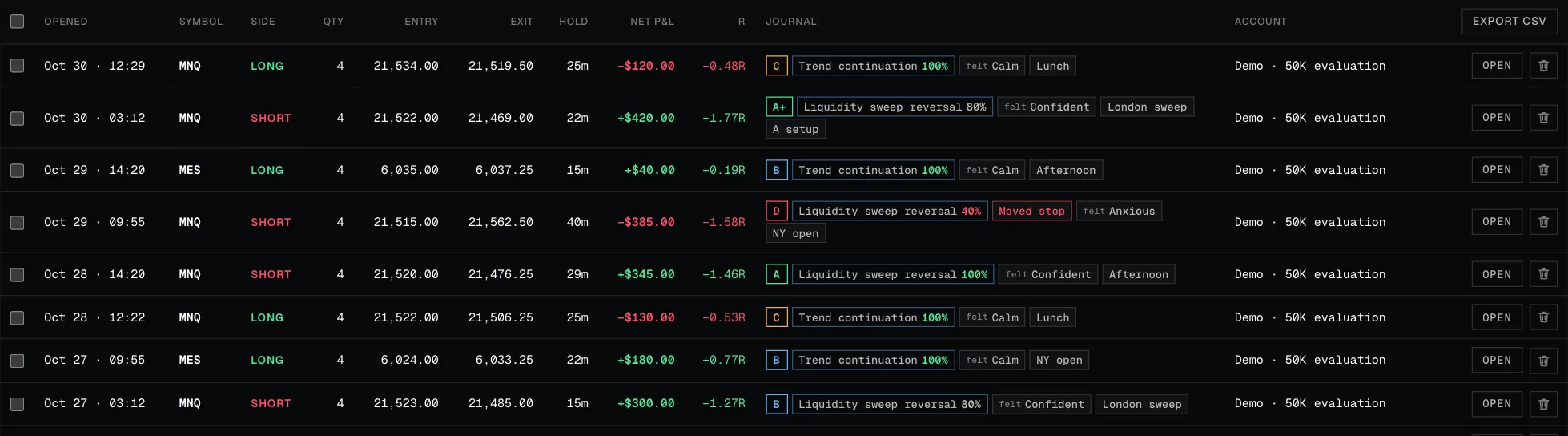
Screenshots at entry and exit are taken for you. For each trade, pick the playbook, tick the rules you followed, add a grade and, if it helps, a one-line note. Saw a setup you didn't take? Press M to log it as a missed trade. It stays out of your stats, but shows what it would have made.
07Review after 30 trades
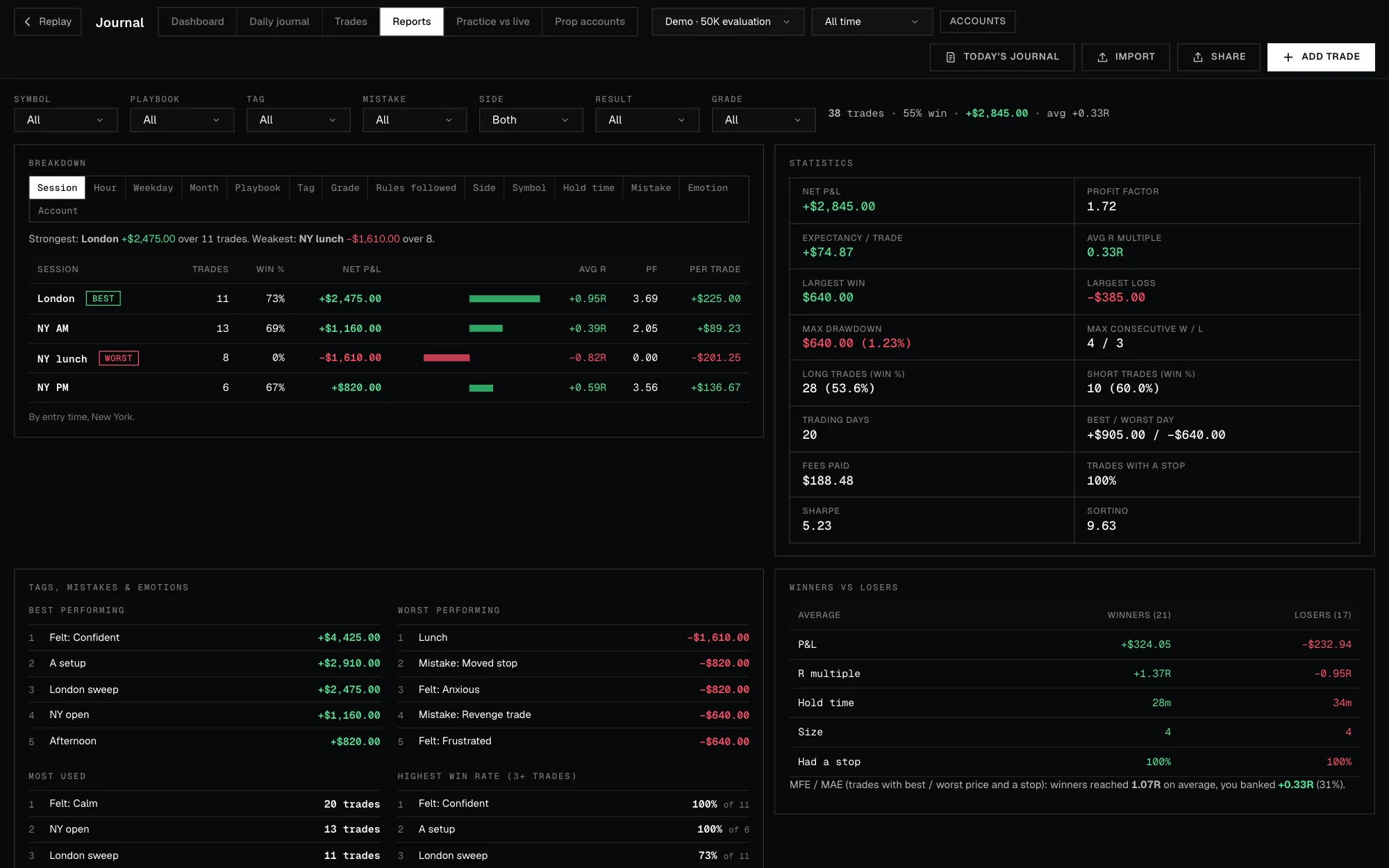
Open Analytics and read, in this order: the overall numbers, the breakdowns by session, hour and playbook, MAE and MFE, then the exit optimizer. The next lesson walks through each one with the demo journal.
08Change one thing, then repeat
Pick the single biggest finding, such as skipping a losing session or moving the stop, and change only that. Start a fresh session on a different month and replay another 30 trades. When the numbers hold up across months, run a few blind drills to check you weren't helped by hindsight.
Common mistakes
- Testing several setups in one session.
- Leaving fees and slippage at zero.
- Skipping the journal on trades that "obviously" lost.
- Judging a strategy after 8 trades.
- Changing the rules mid-sample.
- Only testing the month you remember being easy.
FAQ
How long does a 30-trade backtest take?
Usually a few sessions of an hour or two, depending on how often your setup appears. Jumping to sessions and fast-forwarding to fills saves most of the waiting.
Should I replay at full speed?
No. Step bar by bar around your setups and use the jumps to skip quiet hours. Speed is for getting to the action, not for trading through it.
Can I test several markets at once?
On Pro+, a session can hold several symbols and up to 8 charts side by side. Still test one setup at a time.
What if my results are bad?
That's a useful result. Check the breakdowns first: often one session or one rule is responsible, and fixing that is cheaper than starting over.